


New Co-Curricular Features in the MLC School App
MLC School has introduced a refreshed co-curricular experience within the MLC School app, designed to make it easier for families to view their daughter’s co-curricular schedule.
During the week, families may have noticed a change to the Co-curricular module in the app. This module now displays your daughter’s co-curricular schedule in one central place. This change also shows the weekend sport draws, times and where to be for each student as relevant to their particular team. Updates are instantaneous, so please check regularly.
In Omnia all co-curricular commitments now integrate into a student’s timetable view and upcoming sessions are shown.
In coming weeks, push notifications will also be enabled, allowing coaches and coordinators to send timely, targeted updates directly to parents’ mobile devices via the MLC School app.
What’s Changed?
As part of this update, a few things look different:
- Your daughter’s co-curricular schedule will now appear in the new Co-curricular module of the app. All co-curricular notices have moved to the Notices section (please ensure your subscriptions are up to date)
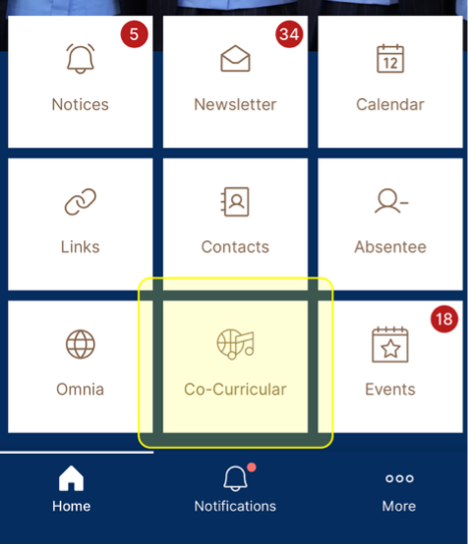
2. The Calendar module will continue to display school-wide events only
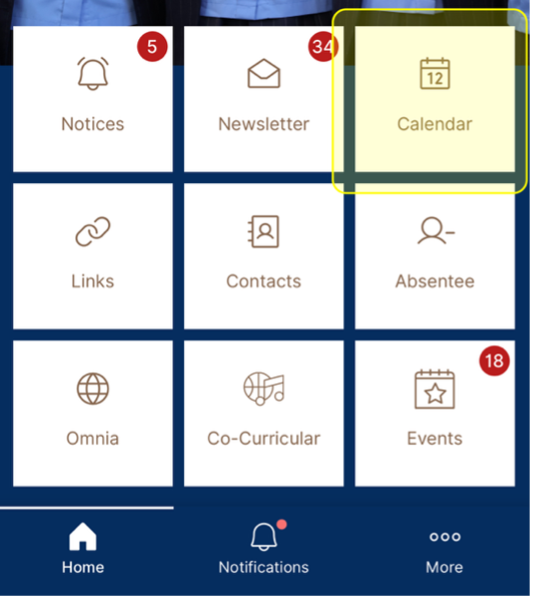
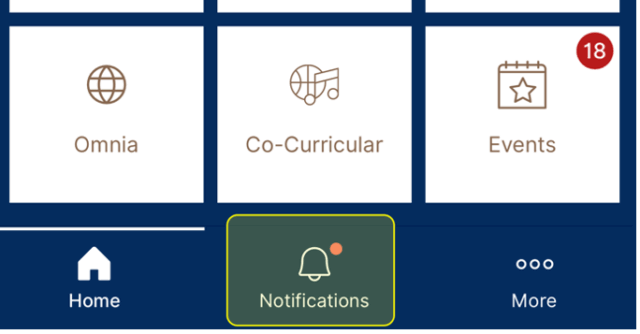
3. In coming weeks, notifications from coaches and coordinators will create push notifications directly to your phone, and also display in the ‘Notifications’ tab of the MLC School app.
As mentioned before, Omnia’s student timetables now automatically include all co-curricular activities with more detail.
These improvements aim to give families a clearer, more streamlined view of their daughters’ co-curricular life at MLC School.
If you experience any issues after the transition on next week, please email communications@mlcsyd.nsw.edu.au for support.