

All About the App … Be In It to Win It!
Firstly – the most important thing … Have you downloaded the Conference App yet?
The Conference App is such an integral part of the success of your overall Conference experience! It is vital in the Check-In and Name Badge printing process … and, it is also your information hub, Session scheduler and gaming console, all in one!
You really won’t want to be without it!
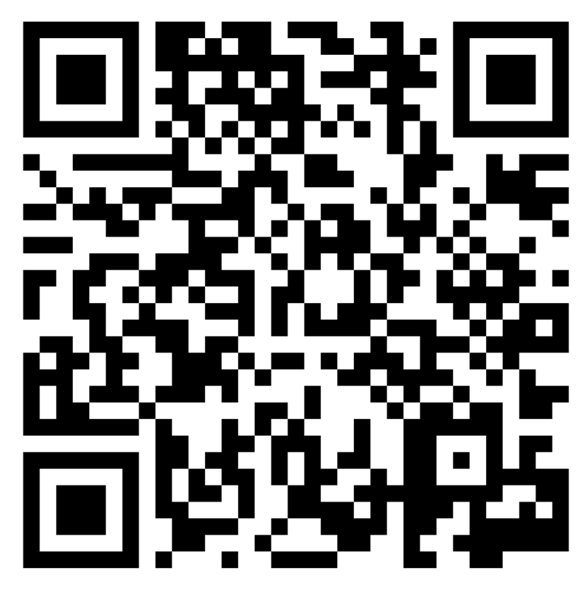
Accessing the App
 CLICK ON BUTTON ABOVE FOR LINK…
OR SCAN BELOW |
CLICK ON BUTTON ABOVE FOR LINK… |
 |
 |

POPULATE YOUR PROFILE DETAILS
CONFERENCE APP FEATURES – HOME PAGE ICONS
CHECKING IN:
- The App is vital for Conference Check-In. Before approaching the Registration Desk kiosks, have the Conference App downloaded and your QR Code open and ready to scan. Your personal QR Code is accessible from the Home Page.
SCHEDULE:
- View the full Program, including Session details, synopses and Speaker bios. Select Sessions to add to My Schedule and, if desired, your personal calendar.
- Session Feedback: Please provide feedback for each Session you attend. Add the Session to My Schedule, then complete the four-question Survey that appears at the bottom of the Session screen. Your feedback is invaluable for future planning.
SPEAKERS:
- View all Speakers, their bios and the Sessions they are presenting. You can also sort Speakers as preferred.
SPONSORS & EXHIBITORS:
- Explore our Sponsors & Exhibitors, including their Profiles, Booth numbers and uploaded resources. Viewing their information will also earn you points in the Leaderboard Challenge. More information below.
ATTENDEES:
- See who is attending and connect with fellow Delegates. Make sure your Visibility settings are enabled so others can see you.
- Share Contact Details: Select a Delegate and tap the person with the green + symbol to share your details.
- Message Colleagues: Select a Delegate and tap the speech balloon to start a chat.
MAPS & FLOORPLANS
- Use the Maps & Floorplans icon to easily navigate BCEC.
- Bus Stop Information: Take note of the Bus Stop location so you’re ready for transport to Social Program events.
APP FEATURES – HOME PAGE BOTTOM NAVIGATION BAR
PROFILE ICON: (Bottom Middle)
- View and edit your Profile, and access Announcements, Messages, Connections, Surveys and Resources.
HOW TO PLAY THE LEADERBOARD CHALLENGE GAMES
Get ready to have fun, make connections, discover resources and earn points! There are two Leaderboard Challenges and two ways to win:
- Win Prizes – Storytelling
- Win Prizes – Sponsors
WIN PRIZES – STORYTELLING
- Complete the Storytelling prompts as they are revealed.
- This Challenge begins after the Day 1 Welcome Session, when all will be revealed!
WIN PRIZES – SPONSORS
- Earn points by:
- Using the App: Explore Sessions, provide feedback, message Delegates and more.
- Exploring Exhibitor Resources: View profiles, brochures, PDFs and websites.
- Meeting Exhibitors: Visit their booths and scan their Game QR codes.
- This Challenge is OPEN NOW! Start earning points before the Conference, then keep climbing the Leaderboard onsite.
LEADERBOARD CHALLENGE GAME RULES
The Leaderboard Challenge games are all about connecting, communicating, discovering and sharing. Please play in the spirit intended, helping create a positive, inclusive and safe experience for everyone.
- The Challenges close at 10.30am on Friday 4 September. Scores from both Leaderboards will then be combined, so play both Challenges to maximise your chance of winning!
- Winners will be announced during the Conference Close, with gift card prizes of $500, $300 and $200 for 1st, 2nd and 3rd place.
- In the event of a tie, tied Leaders will go into a prize draw. The organisers’ decision is final.
Most importantly, have fun, connect and get involved!